

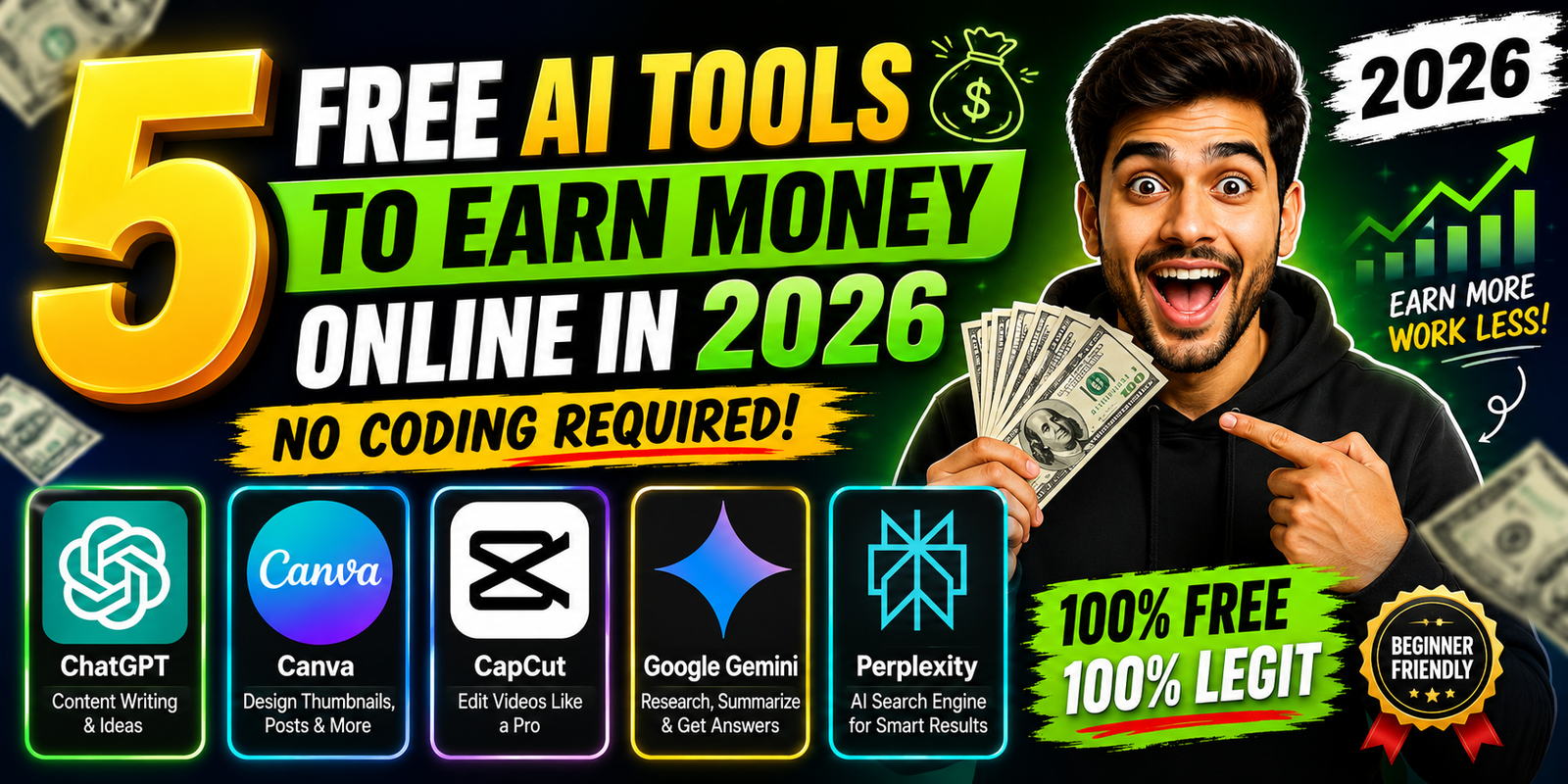

Meta Description: Discover 5 free AI tools to earn money online in 2026 without coding. Compare features, free plans, pricing, pros and cons, and learn how to use AI for writing, design, video, research, and freelance services.
Introduction
Want to make money online with AI but don’t know how to code?
You don’t need programming skills or expensive software to start. In 2026, several AI platforms offer free plans that can help beginners with writing, graphic design, video editing, research, productivity, and content creation.
But there is one important thing to understand:
AI itself doesn’t automatically make you money.
Instead, you can use AI to work faster, create useful content, provide services, or build digital products that people are willing to pay for.
In this guide, we’ll explore 5 free AI tools you can use without coding, including their current pricing, free-plan availability, key features, pros and cons, and practical ways to use them to build an online income stream.
Pricing disclaimer: AI pricing, features, usage limits, and availability can change frequently. Prices mentioned below are based on official information available at the time of publication. Always check the official pricing page before purchasing.
Quick Comparison: 5 Free AI Tools
| AI Tool | Best For | Free Plan | Paid Plan | Key Features |
|---|---|---|---|---|
| ChatGPT | Writing & research | Yes | Plus: $20/month | Writing, web search, images, files, coding |
| Canva | Graphic design | Yes | Paid plans vary by market | Templates, AI design, photo/video editing |
| CapCut | Video editing | Yes | Pro: $19.99/month* | AI editing, captions, effects, background removal |
| Google Gemini | Research & productivity | Yes | Plans vary by country | AI chat, research, writing, Google integration |
| Perplexity | AI research/search | Yes | Pro: $20/month or $200/year | Search, citations, Pro Search, file uploads |
*CapCut notes that pricing can vary by region, platform, taxes, and promotions.
1. ChatGPT — Best for Writing, Research & Freelance Services
ChatGPT is a general-purpose AI assistant that can help with writing, brainstorming, research,, coding, image creation, file-related tasks and more.
OpenAI currently offers a Free plan, while ChatGPT Plus costs $20/month. OpenAI also offers additional paid tiers for users who need higher limits and more advanced access.
ChatGPT Pricing
- Free: $0
- Go: Paid plan; availability and pricing depend on market
- Plus: $20/month
- Pro: Higher-tier paid plan
- Business: Business subscription
- Enterprise: Custom pricing
For this article, the important point for beginners is that ChatGPT can be started for free, while Plus provides expanded access.
Free Plan
The Free plan provides access to ChatGPT with usage limits. OpenAI does not present one simple universal “X messages per month” limit because limits can vary by model, tool and system conditions.
Free users can access features such as:
- AI conversations
- Writing assistance
- Web search
- Image creation
- File uploads
- Data analysis
- GPTs and other features with applicable limits
Exact availability and limits can change, so check the current plan page before publishing specific numerical limits.
Key Features
- AI writing
- Brainstorming
- Web research
- Image generation
- File analysis
- Data analysis
- Coding assistance
- Content planning
- Summarization
- Research assistance
How Can You Make Money With ChatGPT?
You can use ChatGPT to support services such as:
- Blog writing
- Social media captions
- Product descriptions
- Email writing
- YouTube scripts
- Content research
- Resume editing
- Copywriting
- Content planning
Example Business Model
Suppose a small business needs 20 Instagram captions every month.
Your workflow could be:
Research business → Generate ideas → Create drafts → Edit → Fact-check → Deliver
The client isn’t paying simply for AI-generated text. They’re paying for the finished service, quality, editing and expertise.
Pros
- Very versatile
- Beginner-friendly
- Free plan available
- Useful for many types of work
- Can support writing, research, images and coding
Cons
- Free usage is limited
- Some advanced capabilities require a paid plan
- AI output still needs human review
Best For
Bloggers, freelancers, social media managers, students, creators and beginners.
2. Canva — Best for Graphic Design
Canva is a popular design platform that allows beginners to create professional-looking graphics advanced graphic-design skills.
Canva offers a Free plan, while paid plans unlock additional premium content, design tools and AI capabilities. Canva states that its Free plan is available to individuals, while Pro adds features such as premium content, Background Remover and 40+ AI-powered tools.
Canva Pricing
- Canva Free: $0
- Canva Pro: Paid subscription; price depends on market and billing option
- Canva Business: Paid plan for individuals and teams
- Enterprise: Custom pricing
Canva’s pricing page should be checked for the exact price in your country because Canva displays pricing according to the user’s market.
Free Plan
Canva Free allows individuals to create designs and use a library of free templates and content.
However, premium templates, premium assets and some advanced AI/design features require a paid plan. Canva also explains that AI allowances vary according to plan.
Key Features
- Graphic design
- Social media templates
- YouTube thumbnails
- Presentations
- Posters
- Flyers
- Photo editing
- Video editing
- AI-powered design tools
- Background removal on eligible paid plans
- Brand tools on paid plans
How Can You Make Money With Canva?
You can offer:
- YouTube thumbnail design
- Instagram post design
- Facebook graphics
- Business flyers
- Pinterest pins
- Presentation design
- Social media templates
- Basic marketing graphics
Example
A YouTube creator needs 10 thumbnails every month.
Your workflow:
Client topic → Design concept → Canva → AI-assisted elements → Manual editing → Final thumbnail
Your value comes from creating an attractive, usable design—not simply clicking an AI button.
Pros
- Very beginner-friendly
- Free plan available
- Huge design ecosystem
- Useful for social media
- AI features available
- No coding required
Cons
- Many premium assets require payment
- AI usage depends on plan
- Some advanced features are locked behind paid plans
Best For
Design beginners, YouTubers, social media managers, marketers and creators.
3. CapCut — Best for Video Editing
CapCut is a popular video-editing platform available across mobile, desktop and web.
Its free version provides basic editing tools, while CapCut Pro adds advanced AI tools, premium templates and other features. CapCut’s official comparison currently lists the Pro monthly plan at $19.99/month and annual pricing at $179.99/year, while noting that prices vary by region, platform, taxes and promotions.
CapCut Pricing
- Free/Standard: $0
- Pro: $19.99/month
- Pro Annual: $179.99/year
- Team: Starts around $24.99/month according to CapCut’s comparison page
Prices can vary depending on country, platform and promotions.
Free Plan
CapCut’s free/Standard version includes:
- Cutting
- Trimming
- Splitting
- Merging
- Filters
- Transitions
- Effects
- Text
- Stickers
- Basic audio editing
- Basic video creation tools
CapCut states that premium templates, advanced effects, fonts and other advanced capabilities are restricted compared with Pro.
Key Pro Features
Depending on availability, Pro can provide:
- Advanced AI tools
- Background removal
- Motion tracking
- Noise reduction
- AI video tools
- AI image generation
- Premium templates
- Premium effects
- Advanced creative assets
- Expanded cloud/storage capabilities
How Can You Make Money With CapCut?
You can offer:
- YouTube Shorts editing
- Instagram Reel editing
- TikTok editing
- Subtitle/caption editing
- Promotional videos
- Social media video packages
Example Service
Create a package such as:
10 short videos → cuts → captions → transitions → basic effects → final delivery
You can then charge clients based on your skill, quality, workload and market.
Pros
- Free version available
- Beginner-friendly
- Mobile, desktop and web options
- Strong short-form video workflow
- Many AI-assisted features
- Good for social media creators
Cons
- Advanced features require Pro
- Premium assets are restricted
- Pricing varies by region/platform
Best For
YouTubers, Reels creators, video editors, influencers and social media freelancers.
4. Google Gemini — Best for Research & Productivity
Google Gemini is Google’s AI assistant and can help with writing, brainstorming, research, planning and other productivity tasks.
Google offers free access to Gemini as well as paid Google AI plans. Pricing and plan availability vary by country. Google’s India pages currently show Google AI plans with India-specific pricing and benefits, so Indian users should check the India pricing page rather than relying on U.S. prices.
Gemini Pricing
- Gemini Free: $0
- Google AI Plus: Paid plan; country-specific pricing
- Google AI Pro: Paid plan; country-specific pricing
- Google AI Ultra: Higher-tier plan; country-specific pricing
Because Google changes pricing and promotions by market, use the local Google AI plans page for the latest price.
Free Plan
The free version provides access to Gemini with usage limits.
The exact limits can vary according to the model, feature, account and current Google policy, so it is safer not to publish a fixed number unless Google explicitly lists it for the relevant market.
Key Features
Depending on plan and availability:
- AI chat
- Writing assistance
- Brainstorming
- Research
- Deep Research
- Image generation
- File-related capabilities
- Google ecosystem integration
- Gmail/Docs assistance
- NotebookLM-related access on eligible plans
Google’s paid AI plans provide expanded access to advanced Gemini capabilities and additional Google services.
How Can You Make Money With Gemini?
You can use Gemini to support:
- Market research
- Competitor research
- Content research
- Business reports
- Content planning
- Research summaries
- Productivity services
Example
A small business wants a competitor research report.
You could:
- Research competitors.
- Collect reliable sources.
- Organize information.
- Use Gemini to help summarize it.
- Verify the information.
- Deliver a professional report.
Pros
- Free access available
- Strong Google ecosystem
- Useful for research and productivity
- Helpful for brainstorming
- No coding required
Cons
- Usage limits vary
- Some advanced features require paid plans
- Availability can differ by country
Best For
Researchers, bloggers, students, freelancers and productivity-focused users.
5. Perplexity — Best for AI-Powered Research
Perplexity is an AI-powered answer and research engine designed to search the web and provide answers with sources.
Perplexity’s official information states that its core search is free, while Perplexity Pro costs $20/month or $200/year and adds features such as Pro Search, Projects, file uploads, image generation and higher limits.
Perplexity Pricing
- Free: $0
- Pro: $20/month
- Pro Annual: $200/year
- Max: $200/month or $2,000/year
The Max plan is a separate high-usage plan and isn’t necessary for most beginners.
Free Plan
The free version provides access to core Perplexity search.
However, advanced searches and certain features have limits, and the exact allowances can change.
Key Features
- AI-powered search
- Real-time web research
- Source citations
- Search summaries
- Research assistance
- File uploads
- Pro Search on paid plans
- Projects on paid plans
- Image generation on paid plans
How Can You Make Money With Perplexity?
You can provide services such as:
- Research assistance
- Competitor research
- Topic research
- Content research
- Research briefs
- Fact-checking support
Example
A blogger wants research about a new software product.
Your workflow:
Search → Collect sources → Verify information → Organize findings → Create research brief
You can then turn the research into a professional report or use it as the foundation for content.
Pros
- Free core search
- Excellent for research
- Source citations
- Easy to use
- Useful for freelancers and bloggers
Cons
- Advanced features require Pro
- Free usage has limits
- AI answers still need verification
Best For
Researchers, bloggers, writers, freelancers, students and content creators.
Which Free AI Tool Should You Choose?
The best tool depends on what you want to do.
| If You Want To… | Best Choice |
|---|---|
| Write articles | ChatGPT |
| Create social media captions | ChatGPT |
| Make thumbnails | Canva |
| Design social media posts | Canva |
| Edit Reels and Shorts | CapCut |
| Create short videos | CapCut |
| Research topics | Perplexity |
| Create research reports | Gemini or Perplexity |
| Improve productivity | Gemini |
| Handle multiple AI tasks | ChatGPT |
5 Ways to Make Money With Free AI Tools
1. Freelancing
Use AI to speed up services such as:
- Writing
- Design
- Video editing
- Research
- Social media management
You can find clients through freelance platforms, social media, networking or direct outreach.
2. Social Media Management
A simple AI-powered workflow could be:
ChatGPT → Canva → CapCut
Use ChatGPT for captions and ideas, Canva for graphics and CapCut for short videos.
You can package these services for small businesses and creators.
3. YouTube Content
AI can help with:
- Topic research
- Script development
- Video ideas
- Titles
- Thumbnails
- Editing
- Content planning
Don’t simply publish raw AI output. Add your own creativity, editing and fact-checking.
4. Blogging
AI can help with:
- Topic research
- Outlines
- First drafts
- Editing
- Content ideas
- SEO brainstorming
However, high-quality articles should add original value and should be reviewed for accuracy.
5. Digital Products
You can use AI to help create:
- Templates
- Guides
- Checklists
- Content calendars
- Prompt collections
- Presentation templates
Focus on solving a specific problem for a specific audience.
A Simple 4-Week Beginner Roadmap
Week 1: Choose One Skill
Choose one:
Writing → Design → Video → Research
Don’t try to master everything simultaneously.
Week 2: Learn One Tool
Use the free version and learn its important features.
Create sample projects while learning.
Week 3: Build a Portfolio
Create 5–10 examples.
For example:
- 5 thumbnails
- 5 Instagram designs
- 5 short videos
- 5 writing samples
- 5 research reports
Week 4: Find Potential Clients
Look for:
- Small businesses
- YouTubers
- Instagram creators
- Bloggers
- Online stores
- Local businesses
Show potential clients what you can create instead of promising guaranteed earnings.
Can You Really Make Money With Free AI Tools?
Yes, but there is no guaranteed income.
Free AI tools can help reduce the time and effort required to produce certain types of work.
But your income depends on factors such as:
- Your skills
- Quality of your work
- Finding clients
- Market demand
- Pricing
- Consistency
- Communication
- Customer service
Think of AI as a productivity tool, not an automatic money-making machine.
Common Mistakes to Avoid
1. Using AI Without Learning the Skill
AI can make you faster, but understanding the underlying skill helps you produce better results.
2. Copying AI Output Without Checking It
AI can make factual or logical mistakes. Always review important information.
3. Trying Too Many Tools
You don’t need 20 AI subscriptions.
Start with one or two tools and learn them properly.
4. Promising Guaranteed Income
Avoid claims such as:
“Make $500 every day guaranteed.”
No legitimate AI tool guarantees a specific income.
5. Ignoring Copyright and Commercial-Use Rules
Before selling AI-assisted work, check the tool’s current terms, content licenses and the platform’s rules.
Frequently Asked Questions
Are these AI tools completely free?
All five tools provide some form of free access, but free versions have limitations. Premium features, higher usage limits or additional capabilities may require paid plans.
Which AI tool is best for beginners?
For general-purpose work, ChatGPT is a strong starting point. Canva is especially useful for design, while CapCut is a good starting point for video editing.
Which tool is best for research?
Perplexity is particularly useful for web-based research because it is designed around search and source-backed answers. Gemini is also useful for research and productivity.
Can I make money using free AI tools?
Yes. You can use them to support freelance services, content creation, research, design, video editing and digital products. However, there is no guaranteed income.
Do I need coding skills?
No. The five tools covered in this article can be used for the suggested activities without programming knowledge.
Should I buy a paid AI plan?
Not necessarily.
Start with the free version first. Upgrade only when you reach the free plan’s limitations or when a paid feature can genuinely improve your workflow.
Which AI tool is best for making YouTube thumbnails?
Canva is a strong option because it provides templates, design tools and AI-powered features. You can start with the Free plan and upgrade if you need premium assets or advanced features.
Which AI tool is best for editing Shorts and Reels?
CapCut is a strong choice for short-form video editing. Its free version provides basic editing, while Pro adds advanced AI and premium creative features.
Is AI-generated content automatically ready to publish?
No. AI-generated content should be reviewed, edited and fact-checked before publication or delivery to a client.
Final Thoughts
You don’t need coding skills or a huge budget to start using AI for online work in 2026.
ChatGPT, Canva, CapCut, Gemini and Perplexity can help you write, design, edit videos, research information and improve productivity.
The smartest approach is to start small:
Choose one skill → Learn one tool → Build a portfolio → Find clients → Improve your service.
AI can help you work faster, but your skills, creativity, judgment and ability to solve real problems are what create value.
For more AI tool reviews, comparisons, tutorials, features and pricing guides, keep exploring ToolMasterZone.